

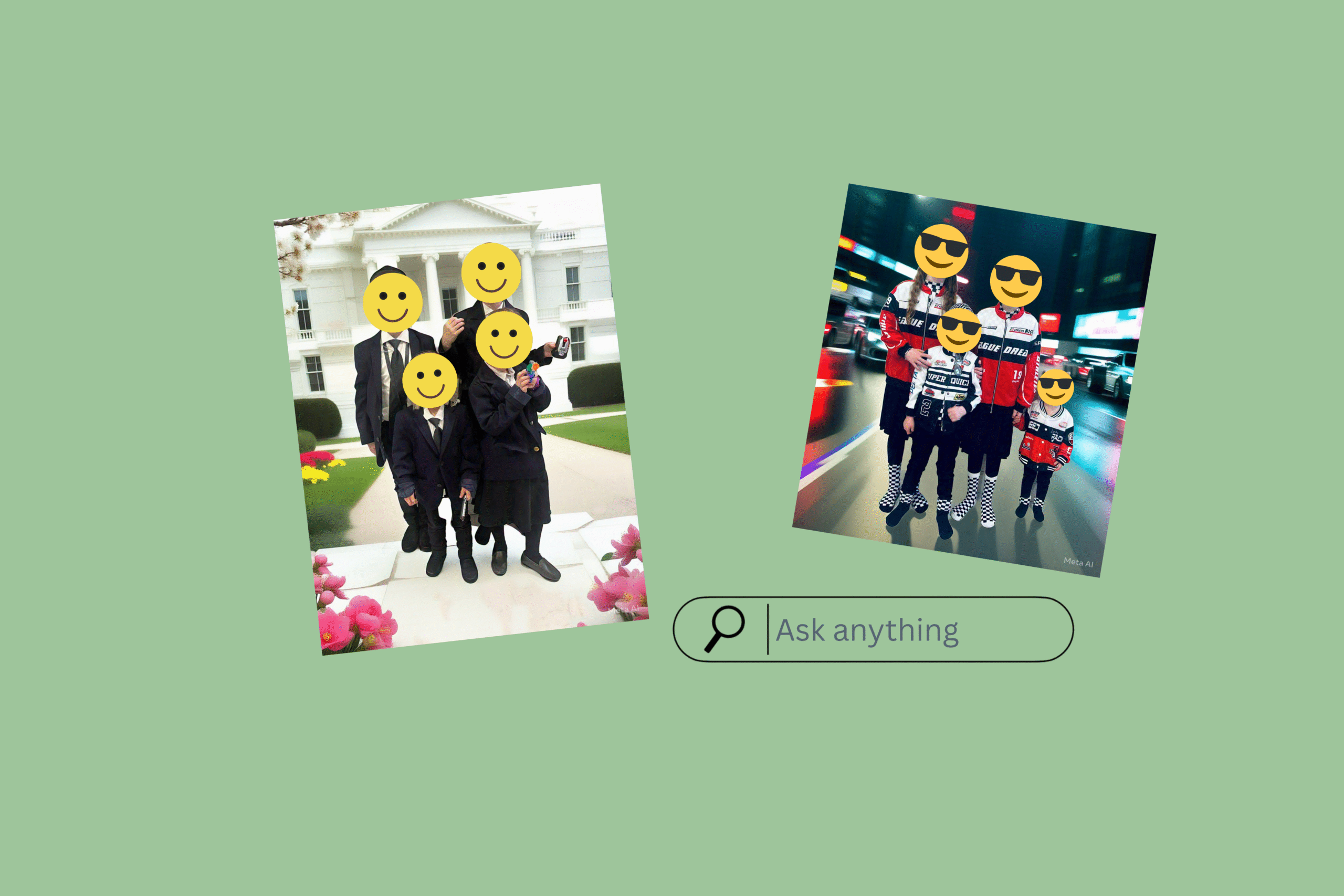
Creating custom, polished Purim images using AI doesn’t require design skills or complicated software. With tools like ChatGPT (and Meta AI as an alternative), you can take a simple photo and transform it by generating a brand-new background that fits your Purim theme. Whether it’s playful, elegant, vintage, or whimsical. This is especially useful for invitations, keepsakes, holiday projects, or personalized prints.
The key is understanding how to upload your image correctly and, more importantly, how to communicate clearly with AI so you get results that look intentional and professional. Below is a step-by-step guide, followed by essential tips that will dramatically improve your final image.
How to Upload and Generate an Image Using ChatGPT
When using chatgpt (you can use meta AI as well, but you'll get better results with chatgpt):
1-Go to https://chatgpt.com/. Hit the plus (+) icon, then select "upload file."
2-Choose an image from your computer/gallery. Note that free accounts usually allow up to 3 image uploads per day, so plan accordingly.
3-In the text box, type in your prompt. (see examples below)
4-Click send/generate.
Once your image is uploaded, the real magic happens in the prompt. The more thoughtful and detailed your prompt is, the more accurate and visually pleasing the result will be.
Important Tips:
These tips are crucial. They’re the difference between a background that looks random and one that feels cohesive, realistic, and professionally done.
1-Be very specific about the background you want. Describe the scene, style, and details you want included.
Example for a cheery farm theme:
"Generate a bright, cheerful cartoon-style farm background around the child/family. Include green fields, a red barn, a wooden fence, hay bales, and a few animals like cows, chickens, and sheep."
Example for a vintage farm theme:
"Generate a realistic vintage early-1900s street background around the children. Include cobblestone streets, brick buildings, wooden crates, old lampposts, and subtle muted tones like sepia or soft browns."
The level of detail you provide helps the AI understand not just what you want, but the overall mood and style you’re aiming for. Think of it as giving direction to a graphic designer. The clearer you are, the better the result.
2-Specify that the subjects in your image should remain unaltered.
For example:
"Using this input image, keep the subjects exactly as in the photo without altering pose, outfit, or features. The lighting and perspective should match the original photo, and the subjects should remain completely unchanged, with the background wrapping naturally around them."
This step is especially important when working with photos of children or families. Explicitly stating that the subjects must stay the same ensures that facial features, clothing, and proportions remain intact, creating a natural and believable final image.

When leaving comments on kosher.com we ask that you be respectful, appropriate, and stay on topic. Click here to read our full comment policy.
Kosher.com Commenting Guidelines
We love hearing from our community! Constructive feedback, tips, questions, and friendly engagement are encouraged.
By commenting on Kosher.com, you agree to follow these guidelines. Please note that comments are for community discussion only and should not be considered halachic guidance—always check with your own Rabbi or LOR.
1. Be Respectful
2. Keep It Appropriate
3. Protect Privacy
4. Stay On Topic
5. Moderation